Claude Cowork: when AI takes control of your computer (and your bank account)
My first test: paying my supplier invoices on its own, from Gmail to Qonto.
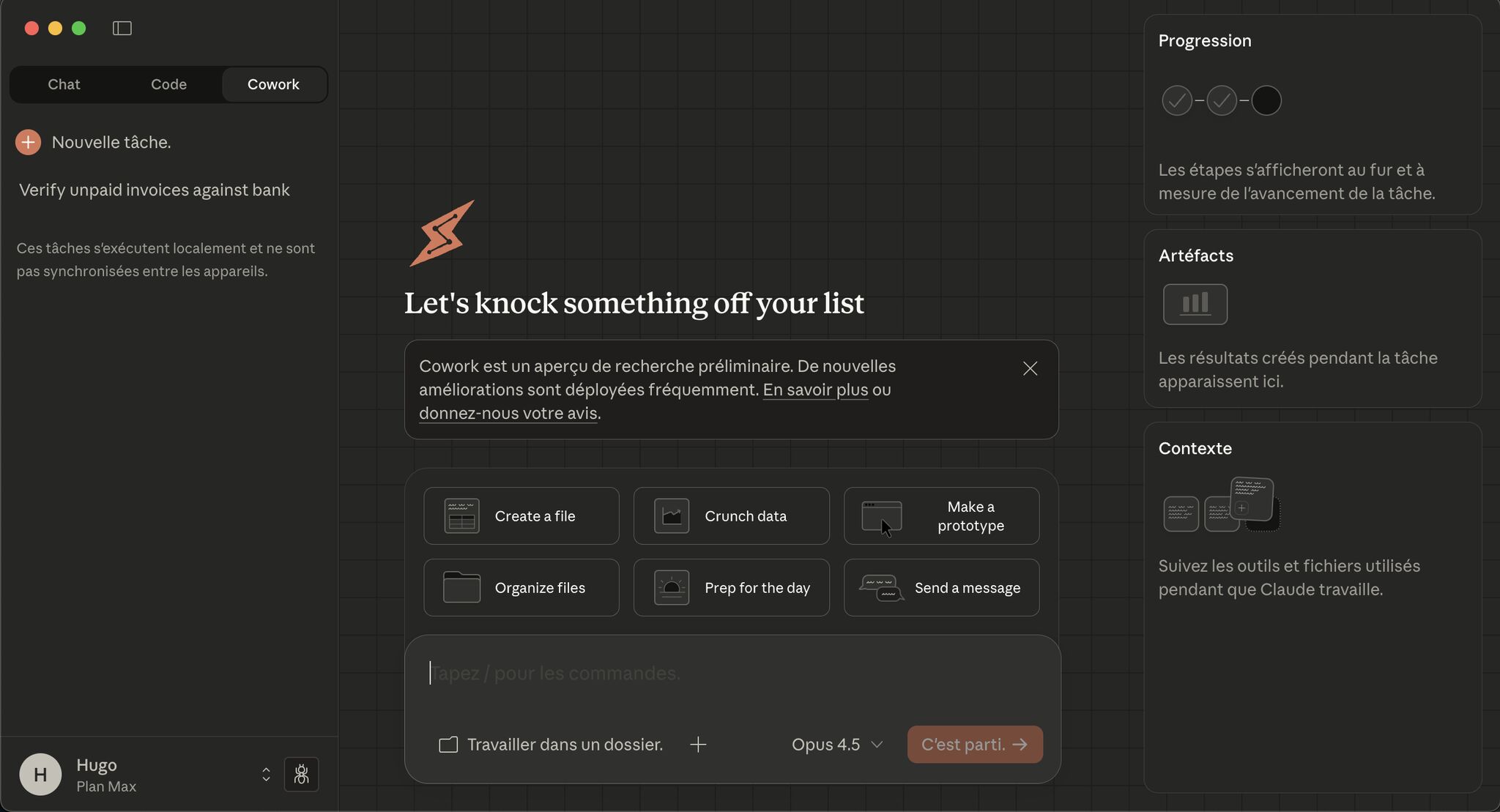
Yesterday, Anthropic released Claude Cowork. We just crossed a line. Concretely, what is it? It’s the ability for an LLM to take full control of a computer, even for non-tech people.
We’re talking about:
- Editing the files on your PC/Mac (only available on Mac for now)
- Controlling your browser with a simple Chrome extension
- Accessing all your authenticated sites… with YOUR credentials
Claude Desktop can now manipulate your Excel files, manage your emails, access your secure sites, and much more. All fully autonomously.
My first use case? I asked Claude to go find the supplier invoices awaiting payment in my emails, cross-reference them with my bank (Qonto), and pay the ones that were missing.
Result: the AI scanned my emails, identified the unpaid invoices, connected to my bank, created the SEPA transfers, added the supporting documents… All without me touching my keyboard. 😬 My only involvement? Validating the 2FA notification on my phone.
Let’s step back. How many repetitive daily tasks can we automate with these AI agents? Invoice processing, data entry, accounting reconciliation, admin work… And that was my FIRST test. First use case, first attempt. It worked on the first try (though to be honest, I didn’t have many unpaid invoices).
And the second use case? Go to my LinkedIn profile, grab my latest posts, analyze my tone and writing style, then draft this article inspired by them. And post it in my place. 👀
Okay, let’s be honest: I’d have been faster doing it myself. But while Claude was working, I was doing something else. That’s the real difference I’d noticed with Claude Code, and it’s coming for everyone with Claude Cowork.